Having internet in the motorhome has gone from a luxury to all but essential: for remote work, for finding aires, for the map or simply for an episode of something in the evening. The good news is that there are now several ways to get a decent connection, and the best one depends on how much you need it. Let's go from the simplest to the most complete.
Option 1: tethering from your phone
The easiest, and you already have it: turn on your phone's hotspot (internet sharing) and connect your other devices. You turn the phone into a WiFi access point without spending anything extra.
- In favour: free, immediate, no extra hardware.
- Against: it drains the phone's battery, it depends on your data plan and the signal is the phone's own (if it has no coverage, neither do you). For light use, it's more than enough.
Option 2: a portable router with a SIM (or eSIM)
A 4G/5G router with its own data SIM. It creates a stable WiFi network for several devices and usually picks up the signal better than a phone. It's the logical step up if you work remotely or there are several of you travelling.
- In favour: a more stable connection, several devices at once, and it doesn't drain your phone.
- Against: it's an extra cost (router plus data plan).
eSIMs with data are a very convenient variant for trips around Europe, because you can switch operator without a physical card.
Option 3: an external booster aerial
When you're chasing coverage in rural or mountain areas, an external aerial connected to the router picks up signal where a phone can't. It's the most complete option for anyone working remotely in earnest and moving through out-of-the-way places.
- In favour: better signal in areas with poor coverage, a more reliable connection.
- Against: more installation work and more cost. It's for demanding users.
The limit none of them solves
Let's be honest: none of these options invents coverage where there is none. They all depend on the local mobile network. In a remote valley with no signal, not even the best aerial works miracles. So if you work remotely, it's worth checking coverage at your destination before promising a video call. For genuine communication emergencies with no coverage there are satellite messaging devices, but that's another league.
Don't forget the electrical consumption
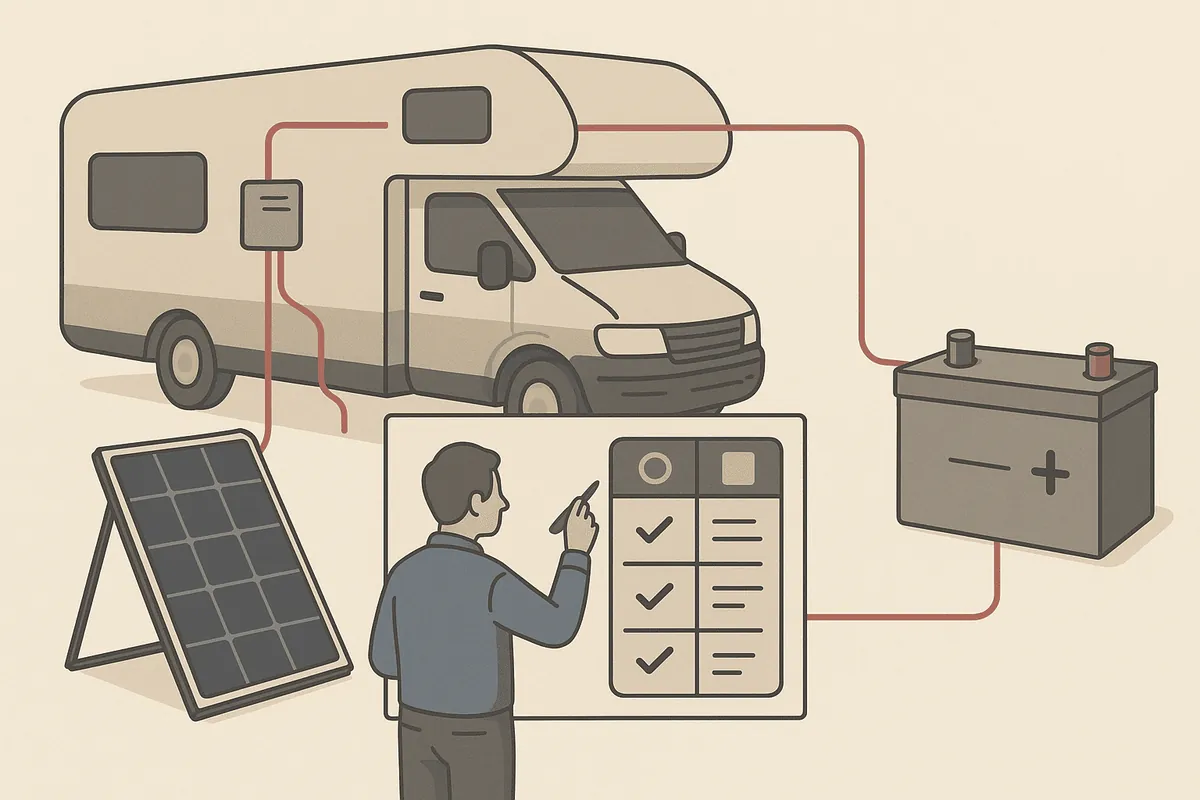
A router running all day and a laptop on charge add to your consumption, especially if you work remotely from the camper. It's one of those "invisible" loads worth putting into your runtime calculation; you can estimate it in how much battery you need.
In short
For light use, tethering from your phone is enough; for remote work or travelling as a group, a router with a SIM or eSIM is the best balance of convenience and price; and the external aerial is for anyone who needs signal in difficult areas. The step you can take today: if you're going to work remotely, check your operator's coverage at your destinations before you leave, and add the router to your electrical consumption calculation. It fits in with the rest of your equipment.